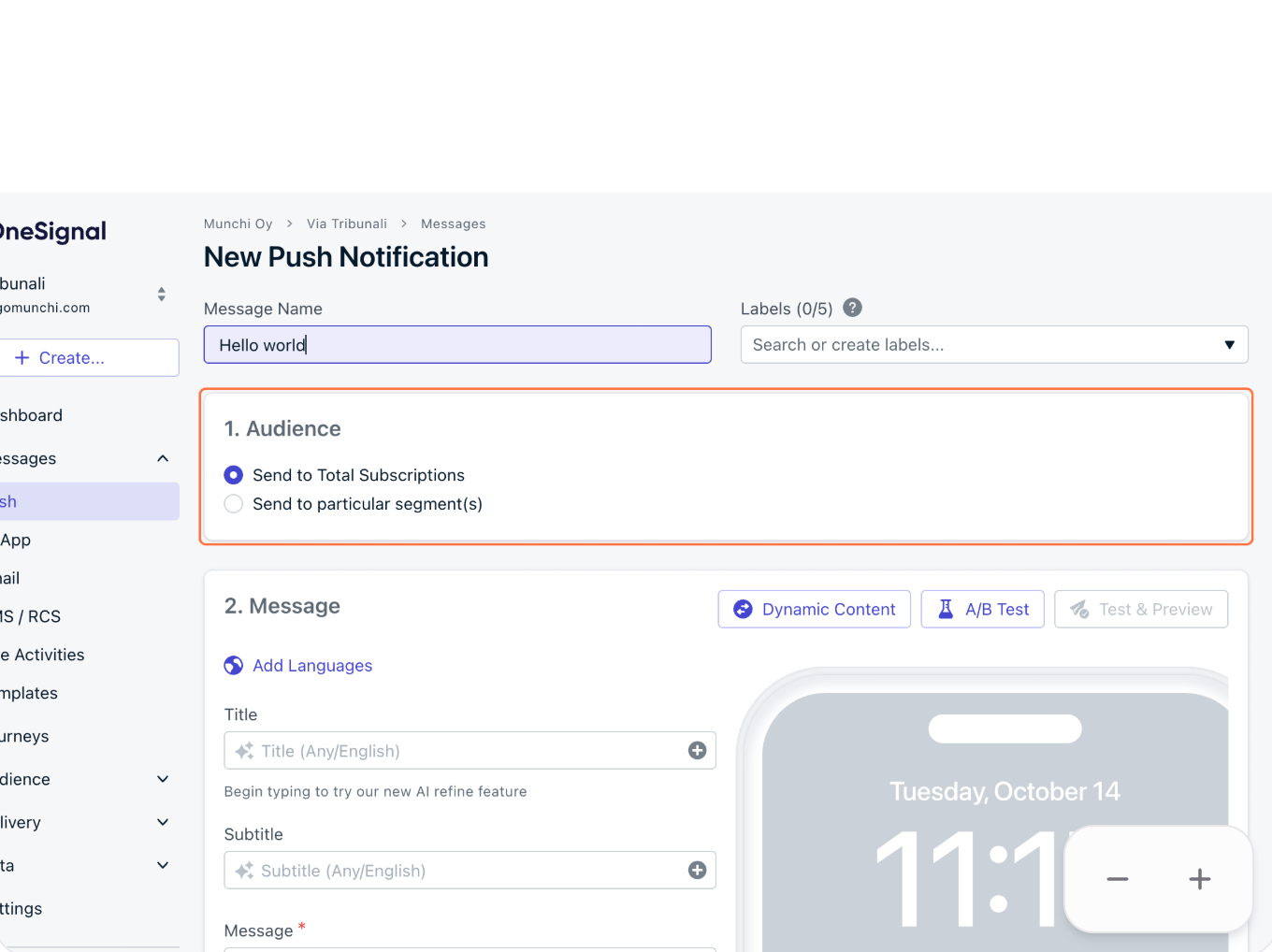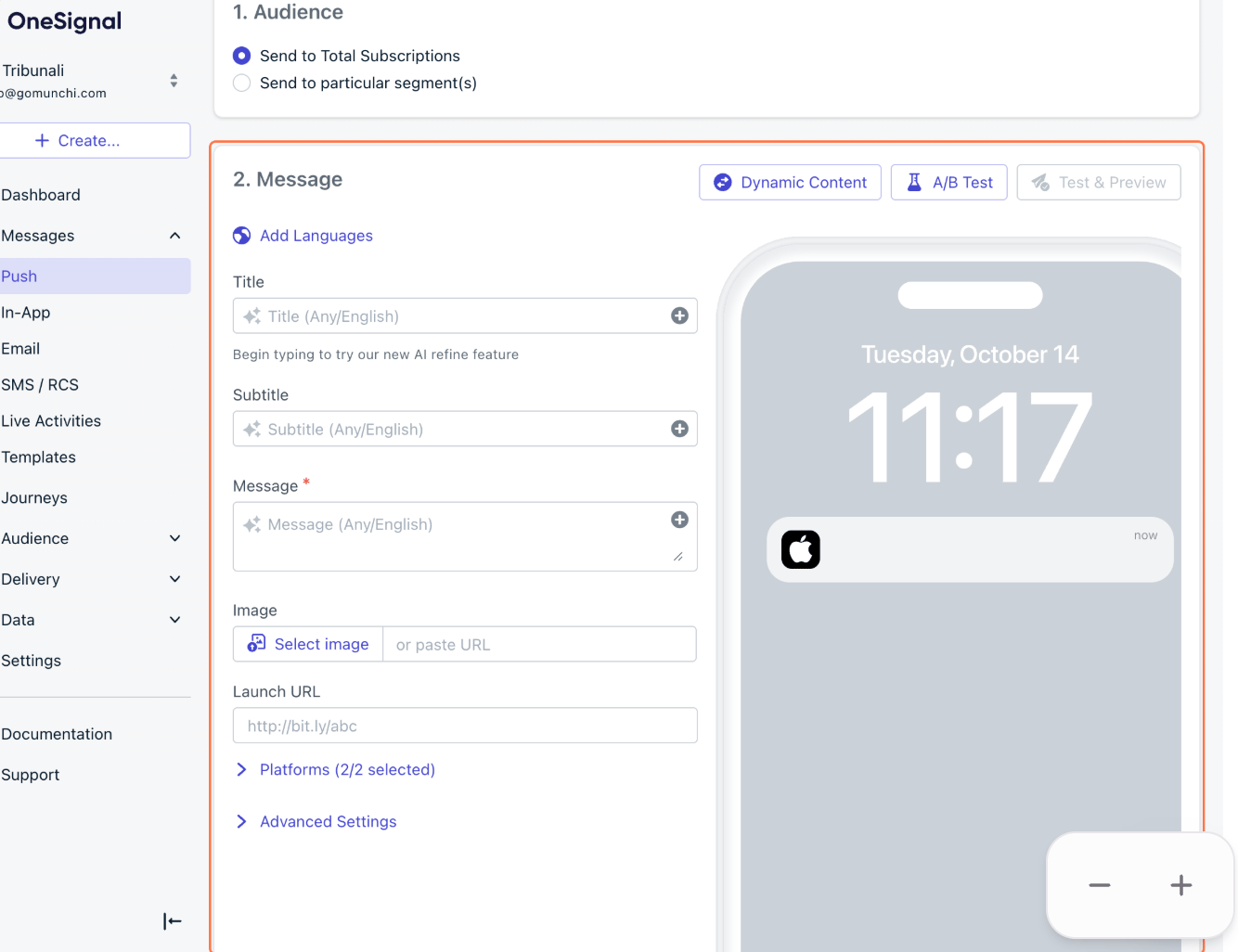

Learn how to create and send a push notification to your users using OneSignal. Follow the steps below to set up your notification, select the desired audience, and send it to your users.
1

Open One Signal

Open Here
2

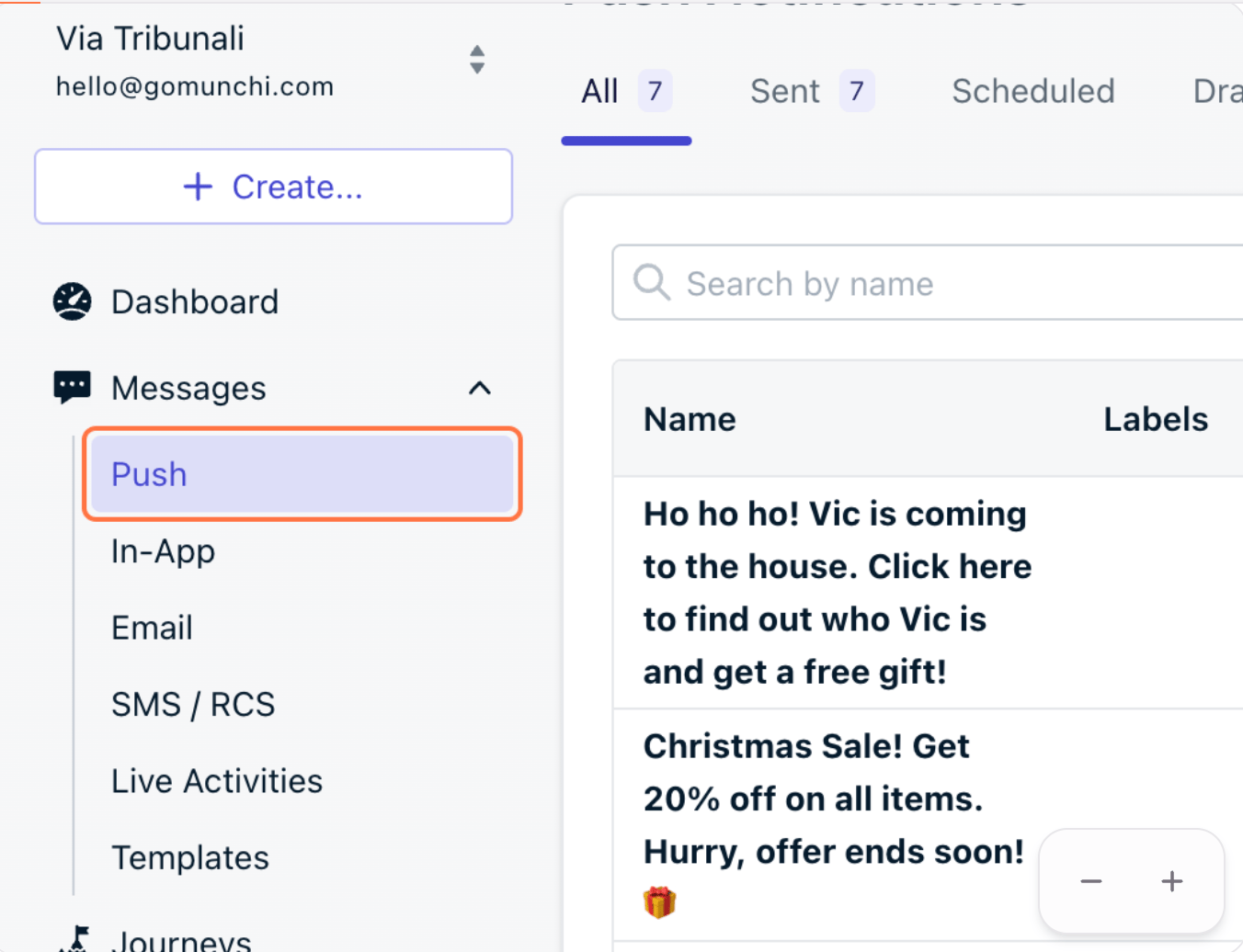
Click on Messages
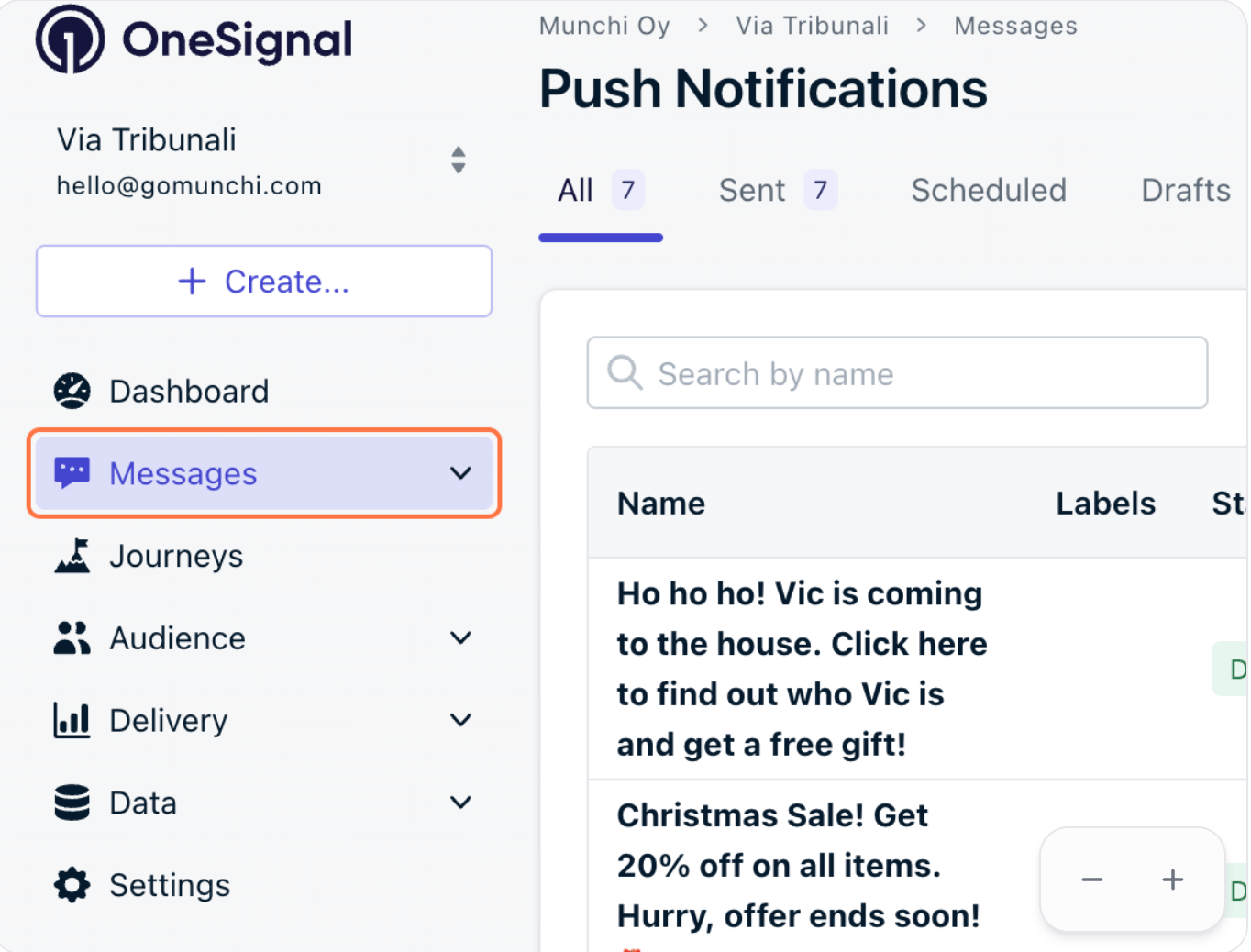
Screenshot 2026 08 19 At 10 02 01
3

Click on Push

Screenshot 2026 08 19 At 10 02 25
4

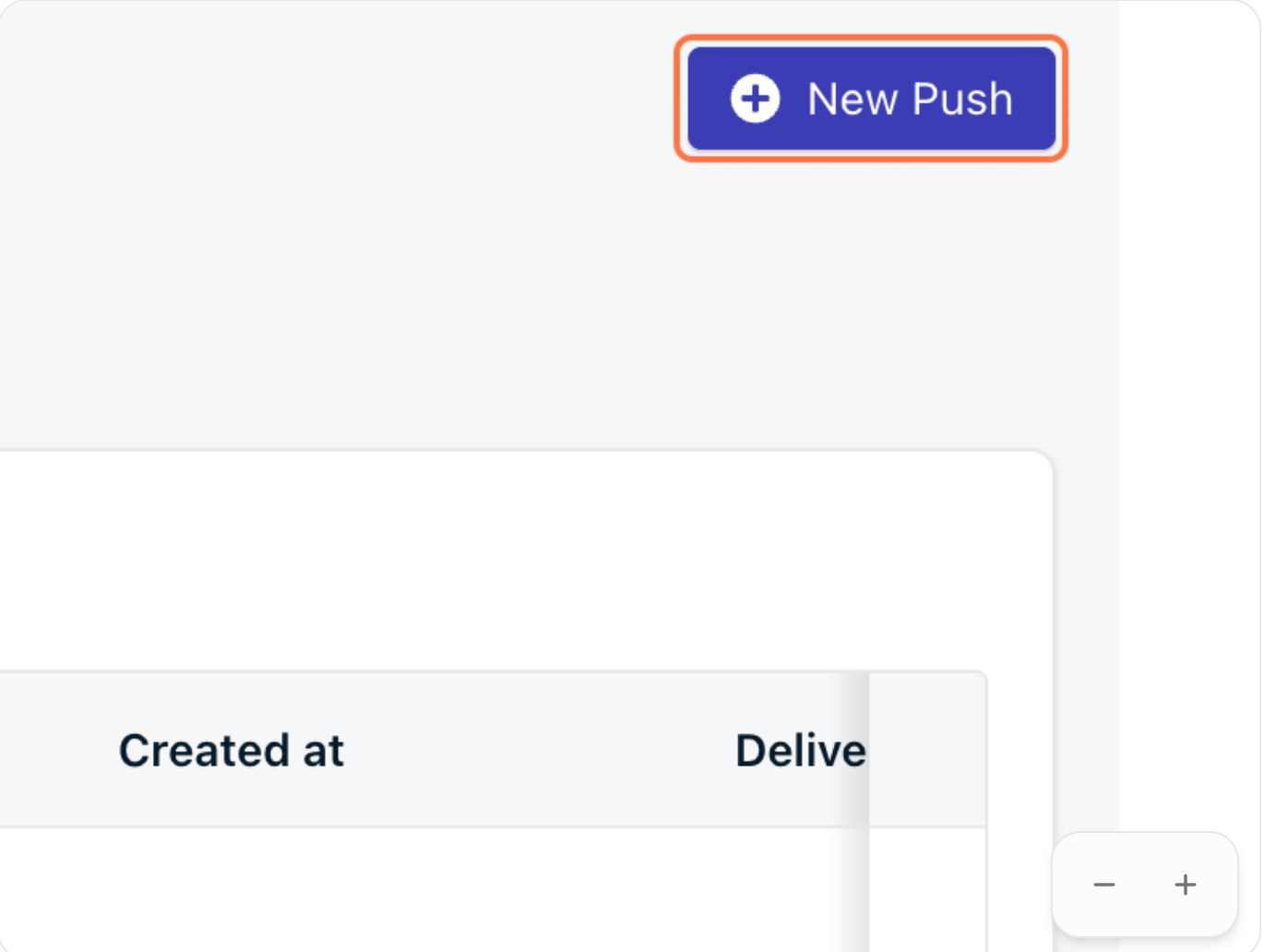
Click on New Push

Screenshot 2026 08 19 At 10 02 50
5

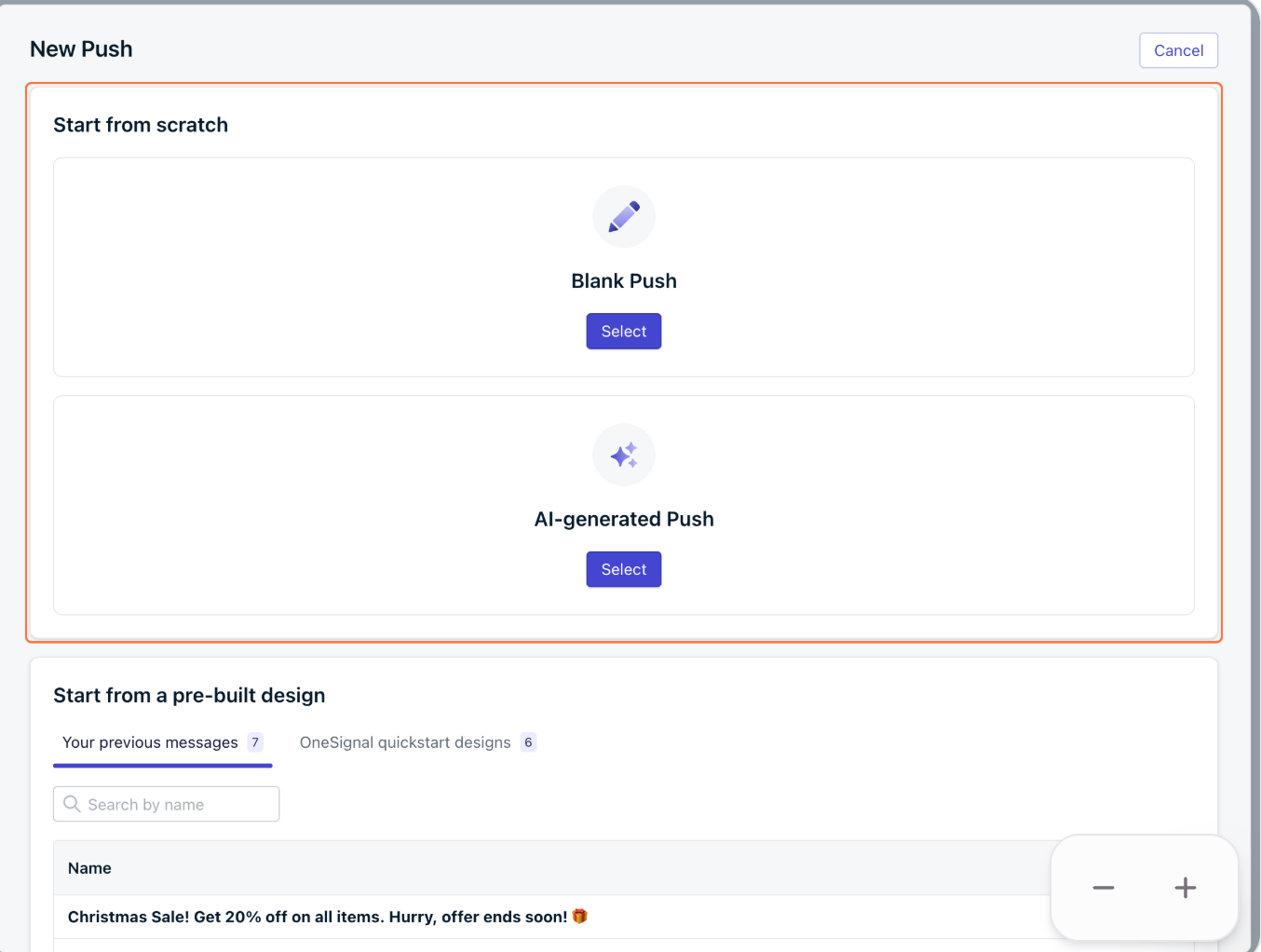
Select an option to get started

Screenshot 2026 08 19 At 10 03 09
6

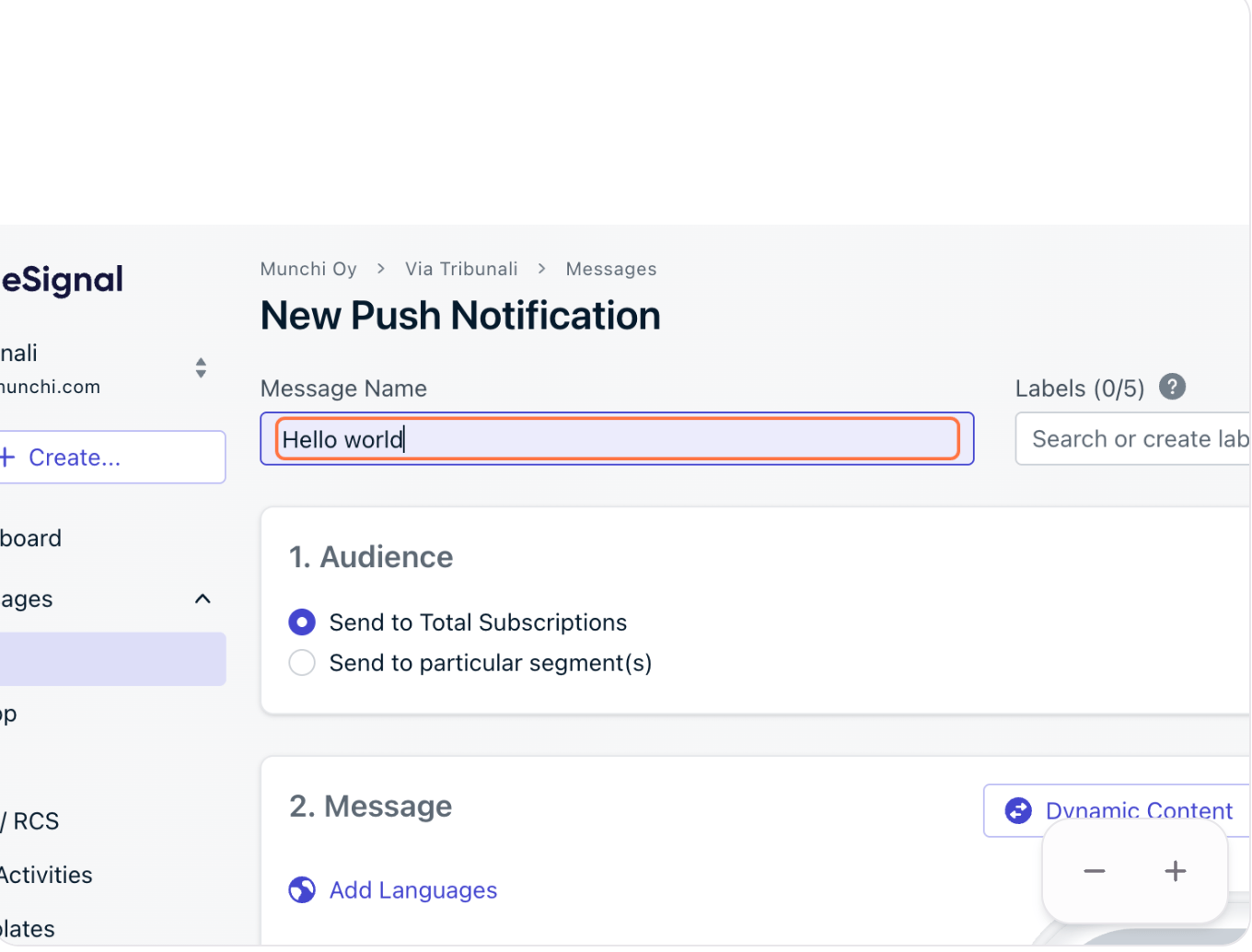
Add the message name

Screenshot 2026 08 19 At 10 03 32
7

Select audience

Screenshot 2026 08 19 At 10 04 11
8

Design the push notification

Screenshot 2026 08 19 At 10 04 35
9

Set when do you want this notification to be sent
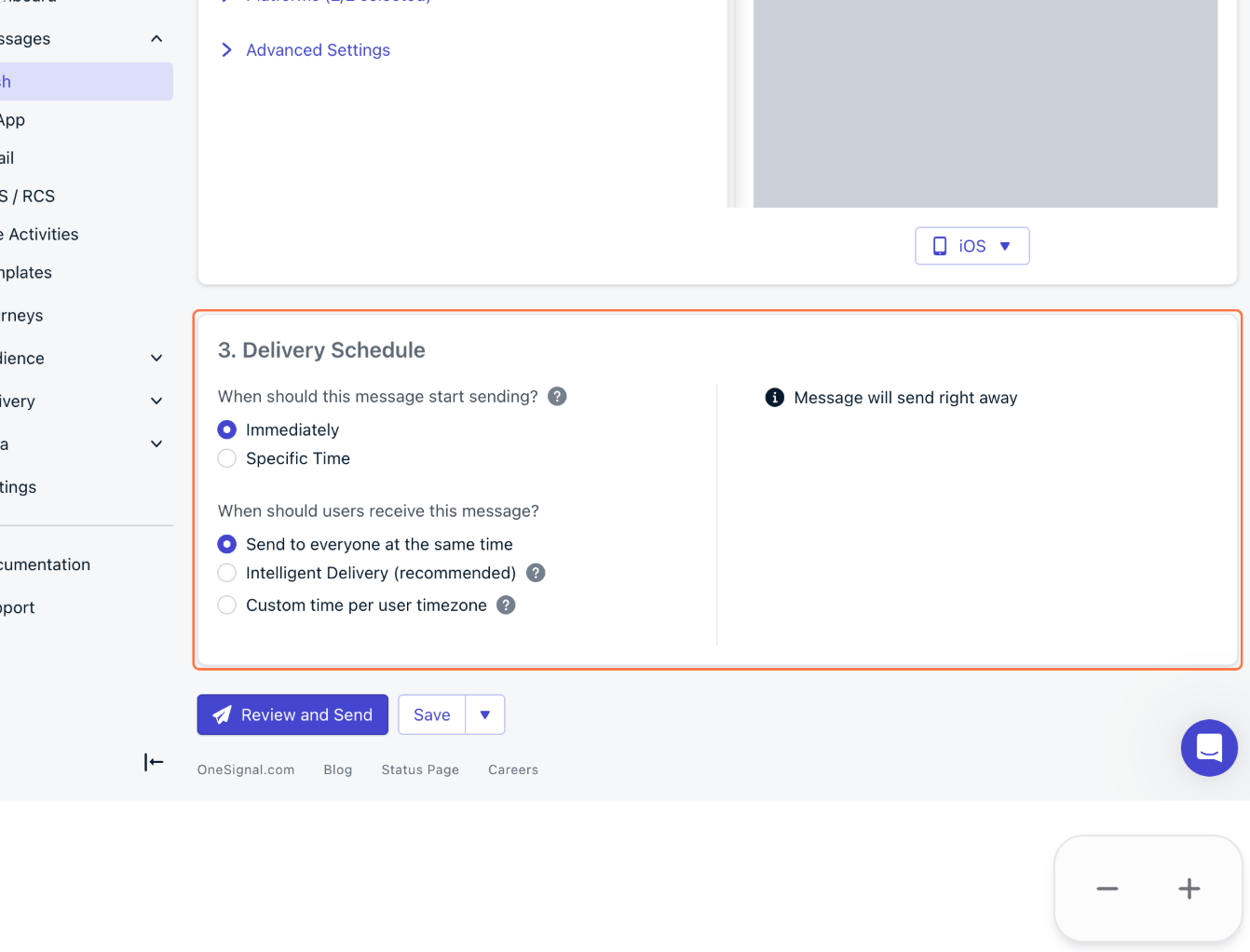
Screenshot 2026 08 19 At 10 04 58
10

When ready click on review and send
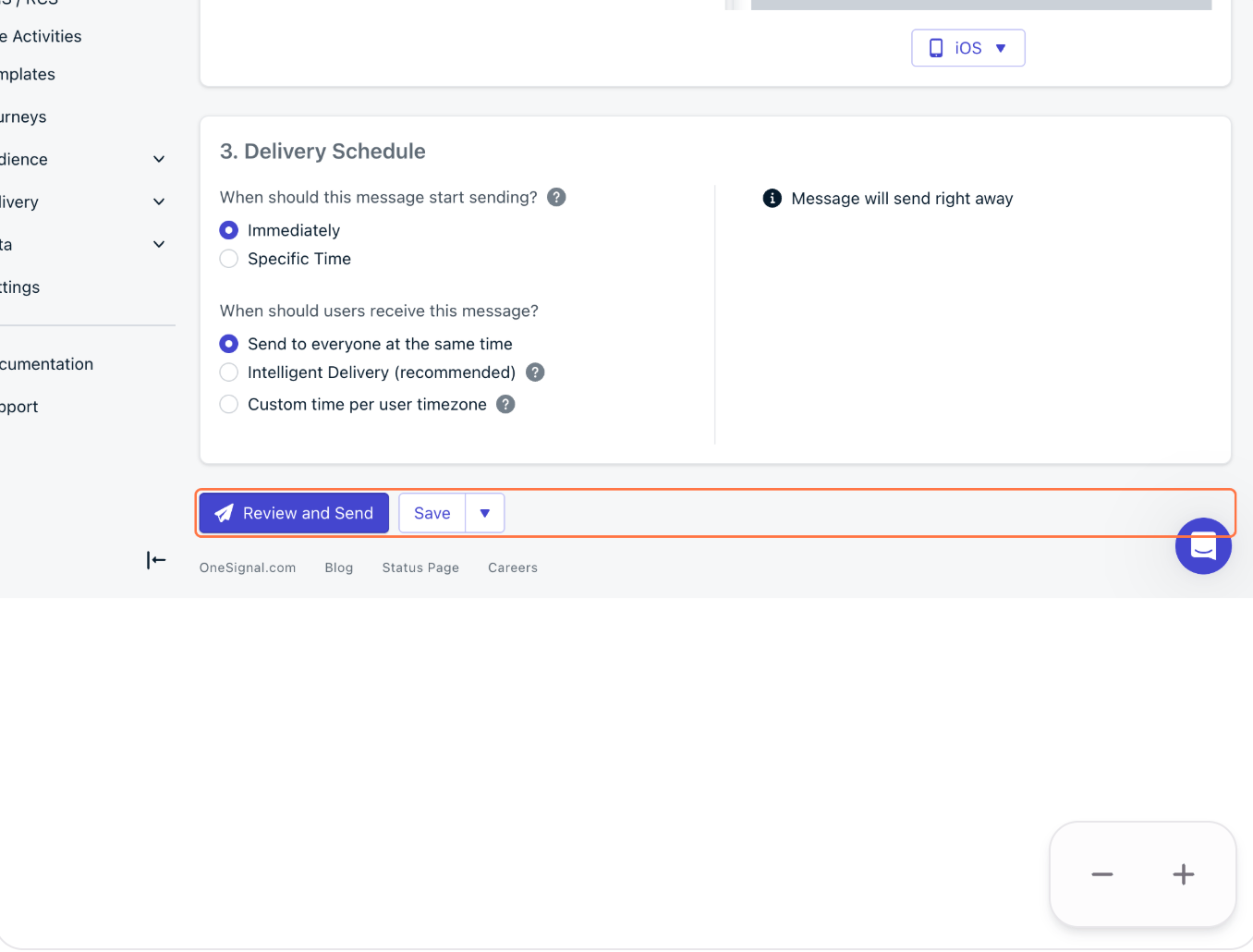
Screenshot 2026 08 19 At 10 05 21
11

All done