

1
Log in to the Munchi Dashboard
Go to dashboard.gomunchi.com and sign in with your credentials.
2
Go to the Providers section
In the left sidebar, click providers to open the section
3
Choose Delivery provider
Select the delivery provider you want to integrate with and click Connect.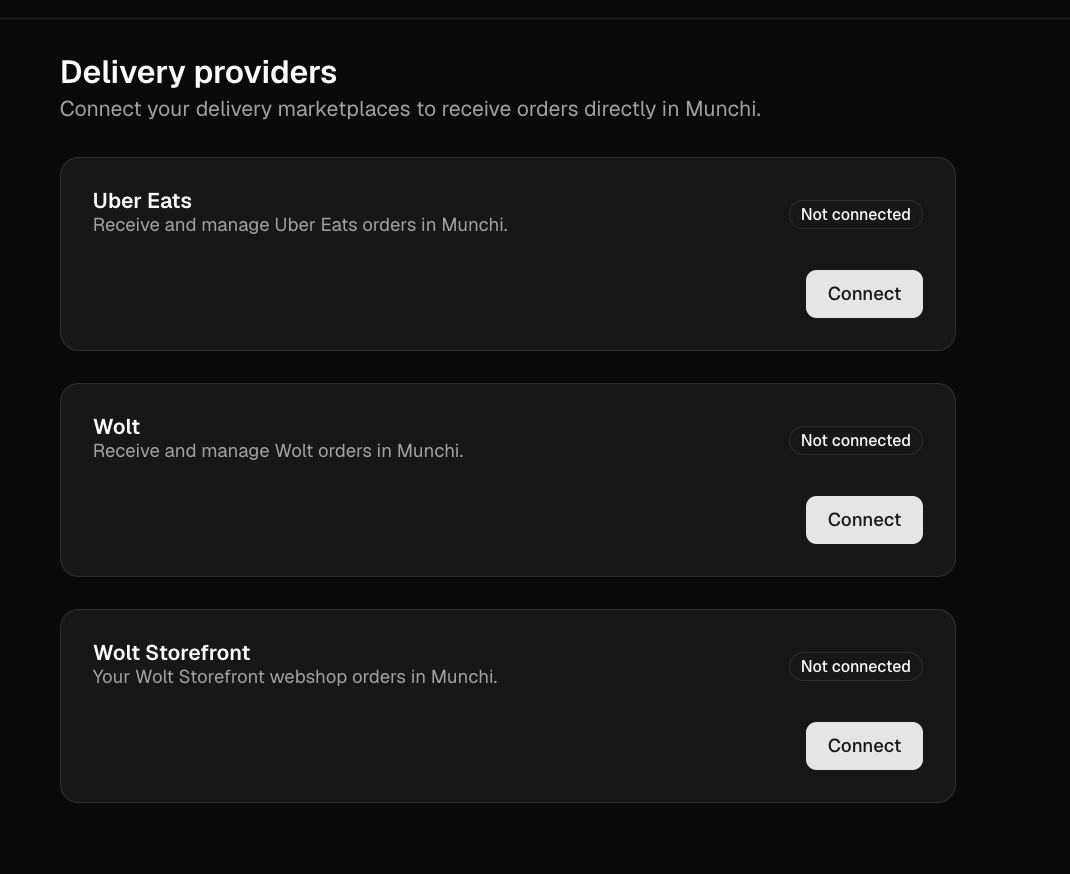
4
Login with your credentials
Log in to the selected provider using your account credentials and follow the instructions to complete the connection.
5
Allow the permission
Allow the access request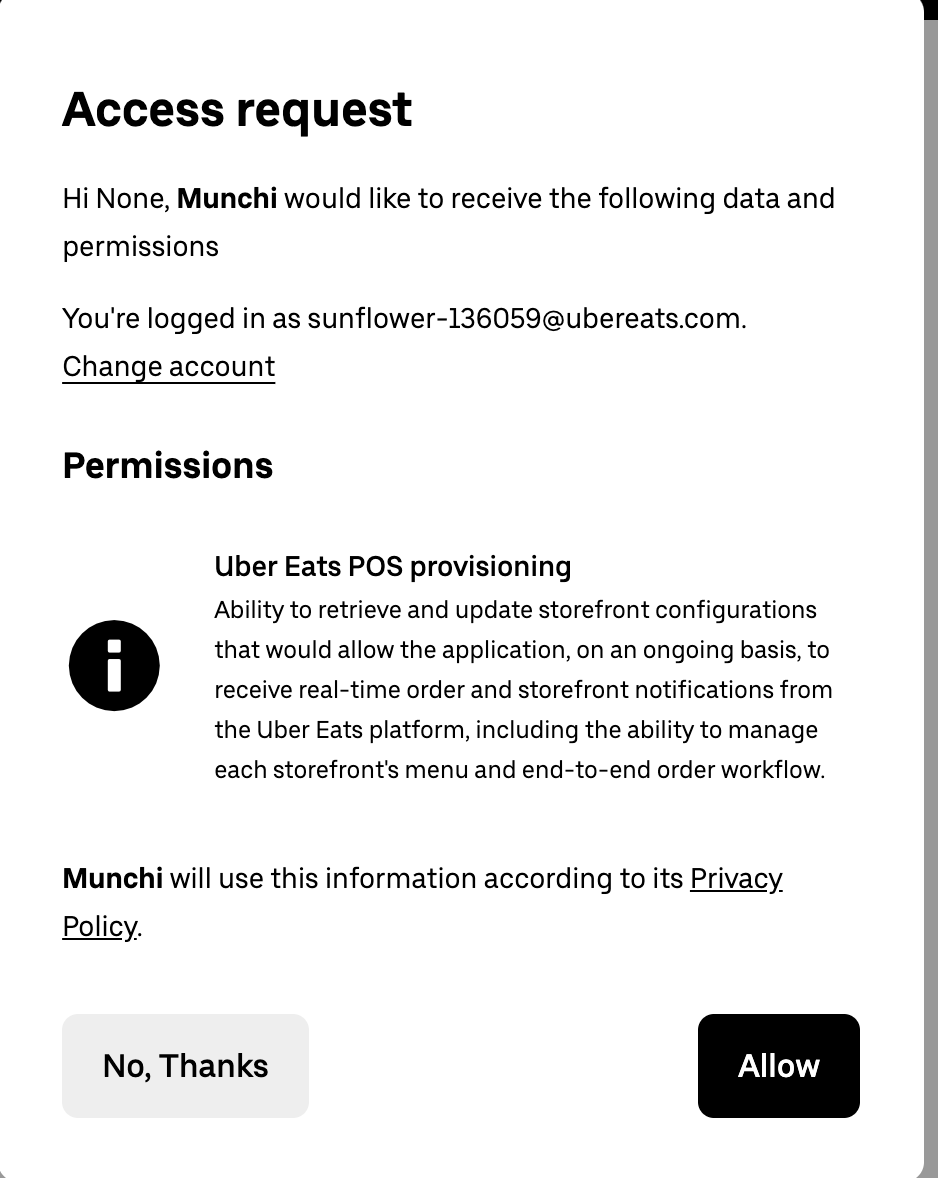
6
Integration is complete!
Once the connection is successful, orders from the selected delivery provider can be received and managed through Munchi.