

1
Open Settings in Munchi POS
In the Munchi POS app, tap the menu (☰) in the top-left corner.Go to:Settings → System → Terminals 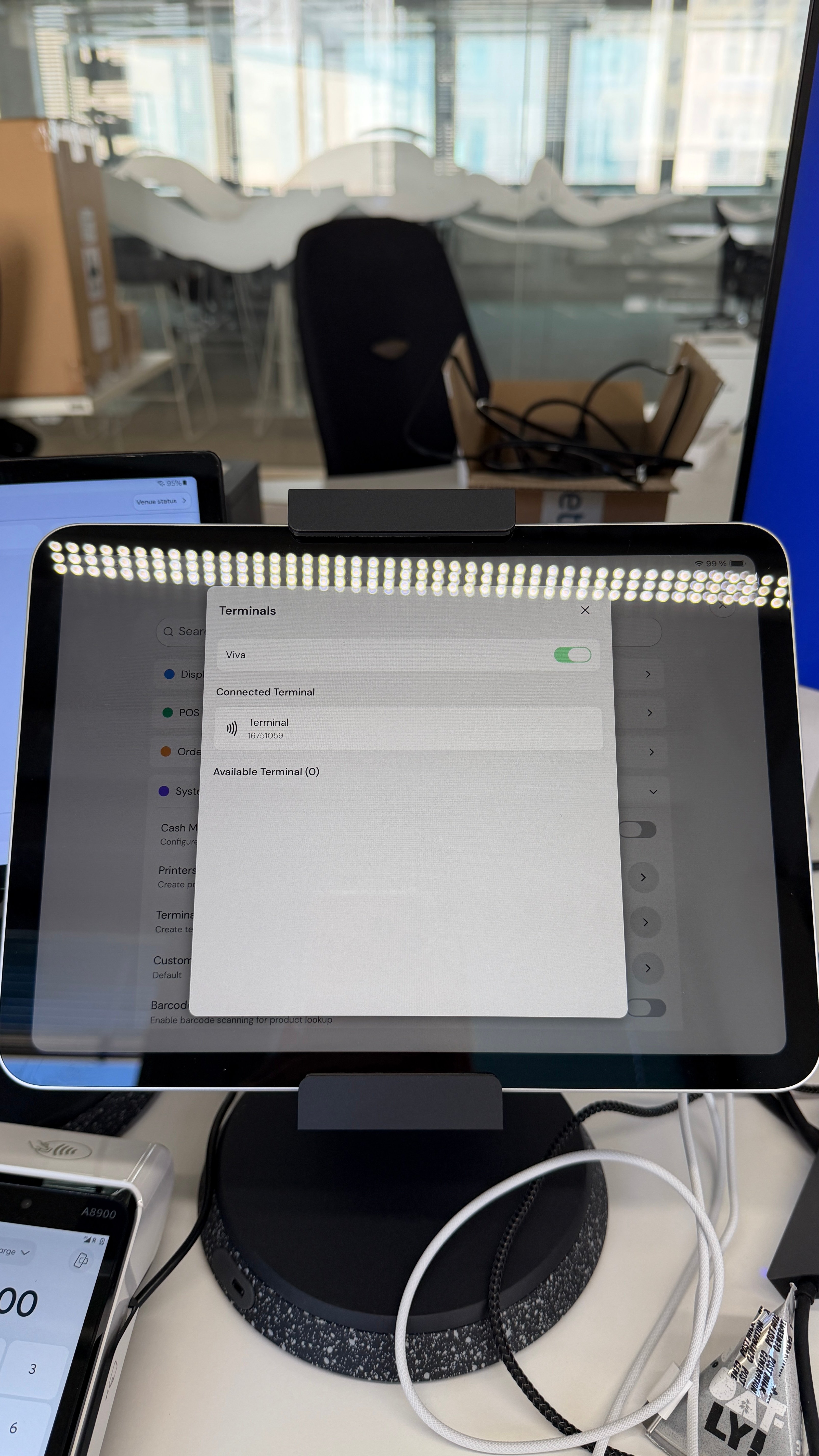
2
Check the terminal status
On the tablet screen, check the connection status of your payment terminal.A connected terminal will be under “Connected Terminals” as shown in the picture here: 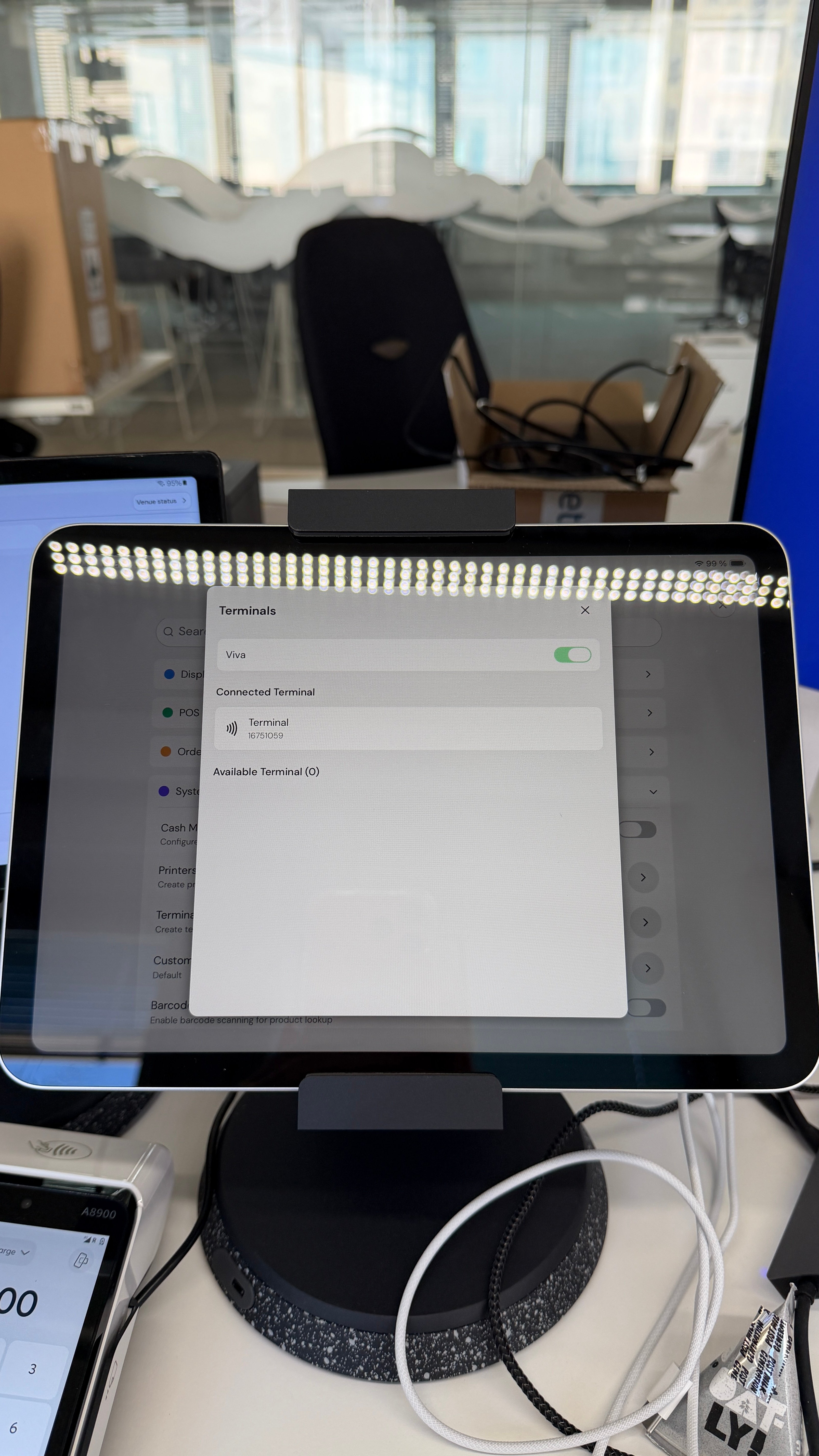
If this screen says “Available Terminals” Click once the Terminal box and it should move into “Connected Terminals” status.
3
If the terminal is still disconnected
If the terminal displays an ✕ or Disconnected status, the connection has been lost.Please contact Munchi Support (+358 505479567) for assistance with reconnecting your payment terminal.
Note: Before contacting support, make sure both the POS device and the payment terminal are connected to the internet and powered on.